

Affiliate quick-start guide
Ask A Lawyer On Call (AALOC) is a leading online platform connecting people with lawyers. As an AALOC Affiliate partner, you’ll get paid for each new customer that signs up for Ask A Lawyer on Call services.
If you have already applied and been approved as a Partner in Impact, then you are ready to follow the steps below to generate the best assets for your site, get your visitors the help they need and make $$$ for the referral.
We offer 40+ ads/links/landing pages to customize (and optimize) the user’s experience. In Impact, links are available for General Law as well as many specialties including Immigration, Family Law, Parking Tickets and much more.
If you have not yet become a partner of AALOC,
please apply now!
Here’s how to get started

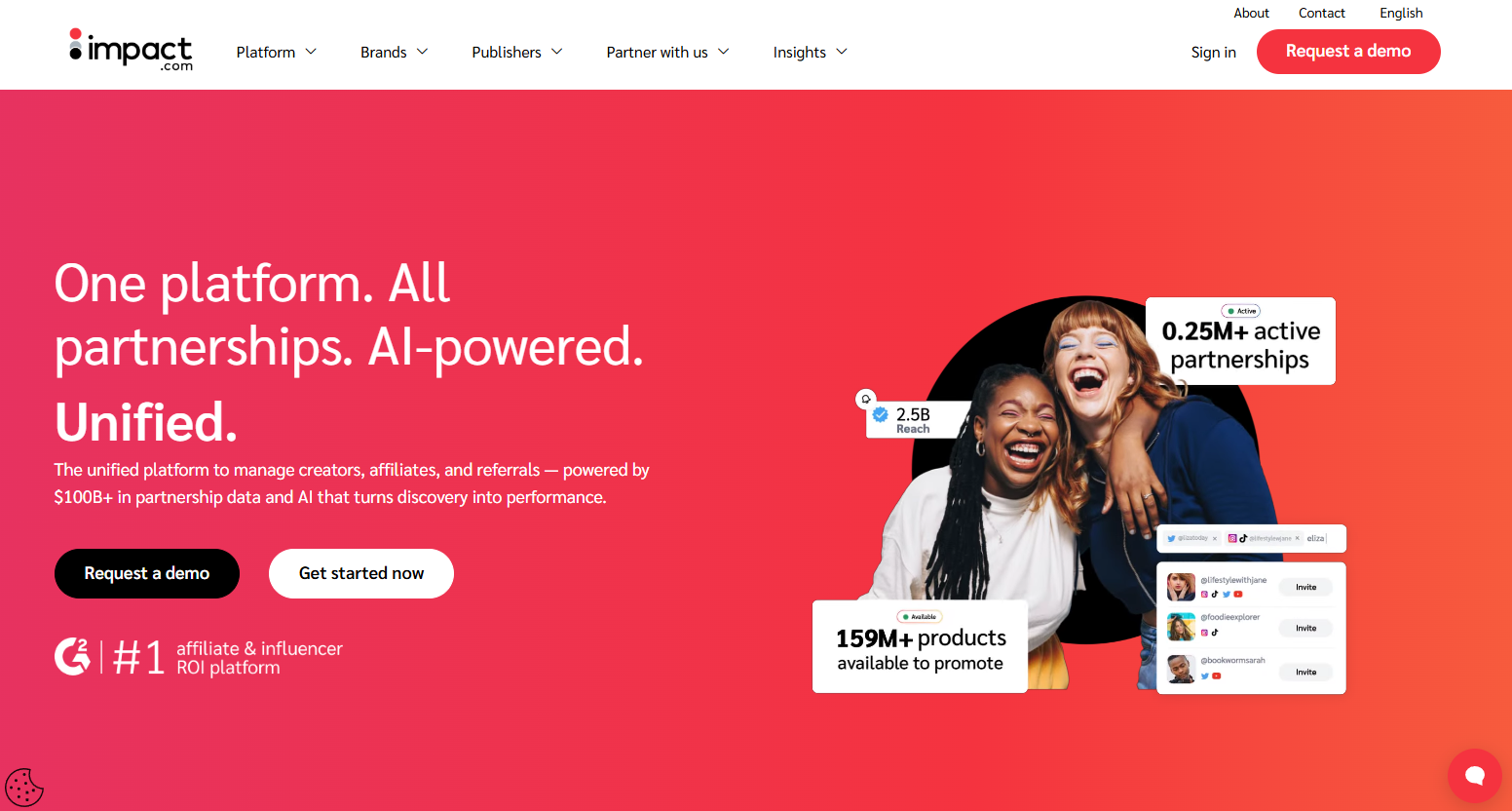
Sign in
Go to Impact.com, and in the upper right corner click Sign in. Then enter the credentials you created when you applied to become our partner. If you have not yet applied, please go here to start the process.

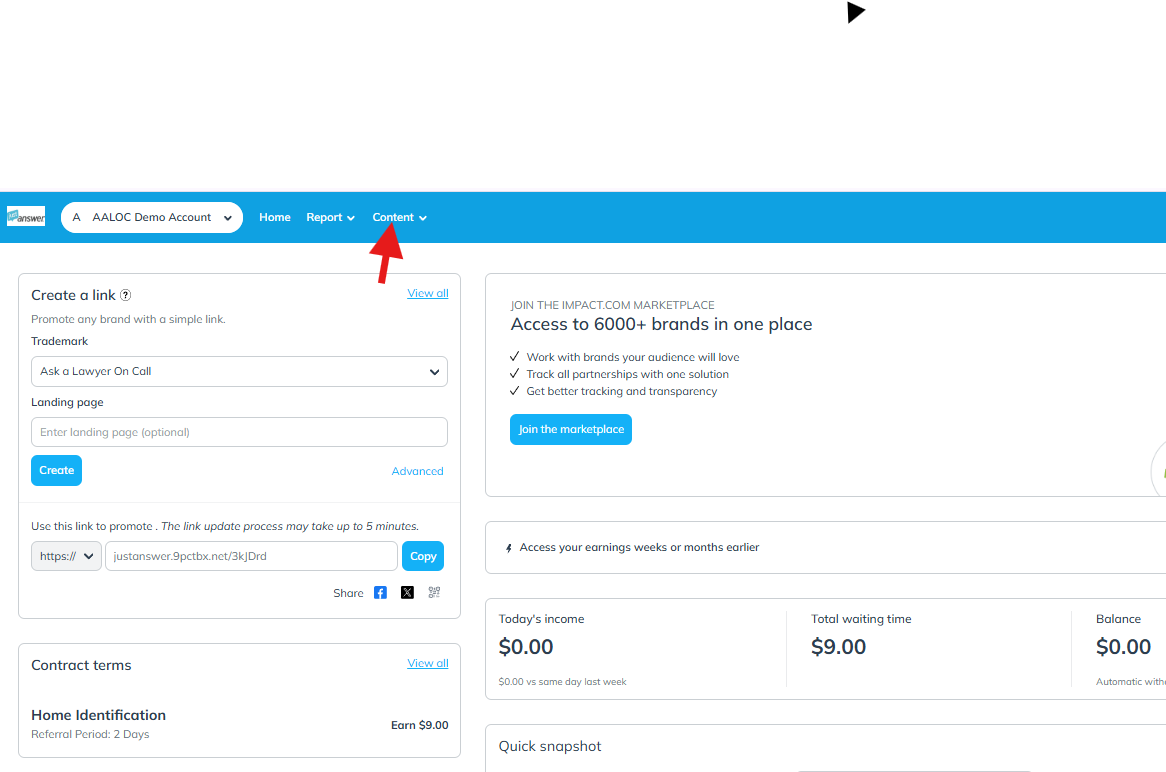
Find assets
After logging in to Impact.com, find the horizontal blue bar across the top of the page. Then select the Content tab to reveal a drop-down box where you can select the Assets tab.
FYI: You can use the Create a link option on the right side of your dashboard if you need a General Law link, but we recommend using subcategories, if applicable.

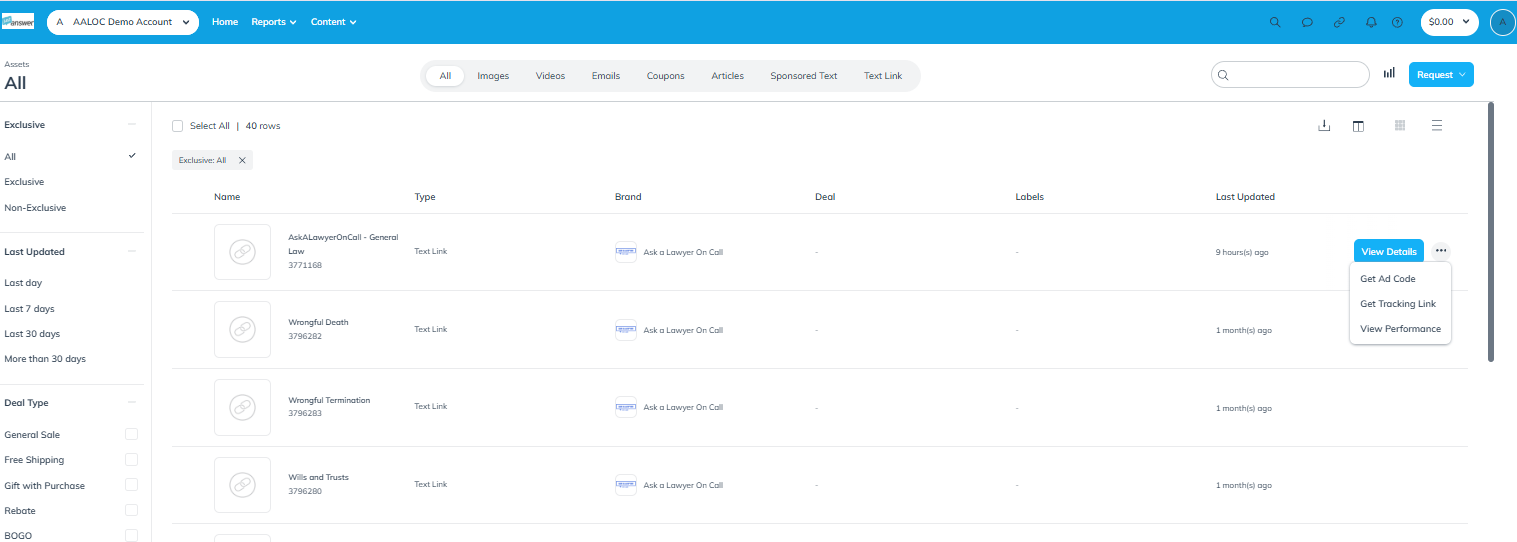
Select Asset
Once on the Assets page, scroll and identify the link that you want to use. Select Get Tracking Link on the right hand side.
If you don’t see your preferred subcategory or would like to use a more specific subcategory, type an keyword into the search box in the upper right.

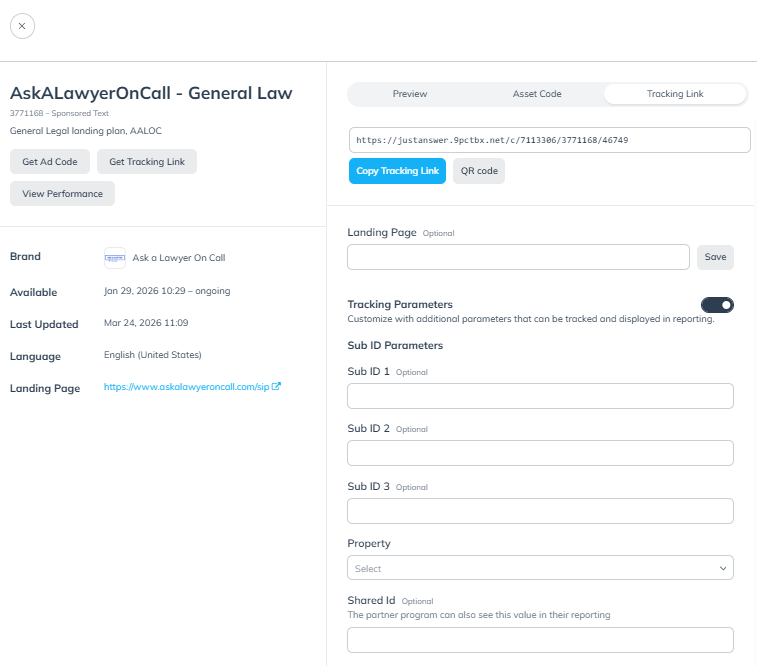
Download Link
SharedID (& subID) parameter may be added for additional granularity in reporting. SharedIDs may be fixed or dynamic and preferred over subID (so that we may assist you in configuring reporting if needed.)
Learn more here.

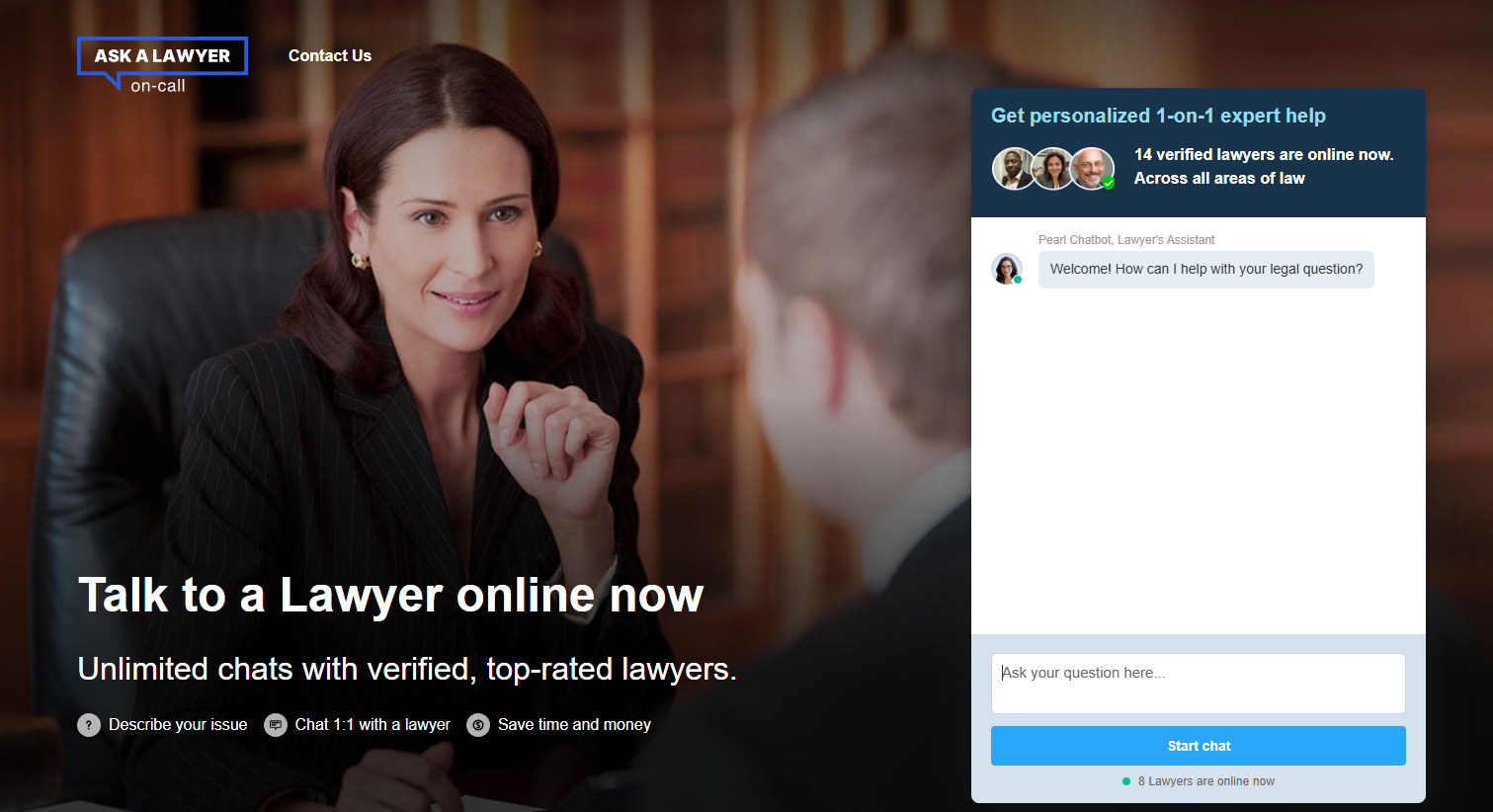
On the category page that you selected, you will see the digital assets that you can choose to display on your website. Currently we offer text links, but contact us directly if you have proven traffic, and require custom banners, additional subcategories or other widgets to implement on your site.
The Ask A Lawyer On Call Customer Journey
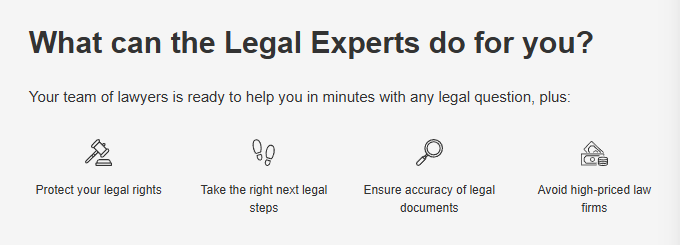
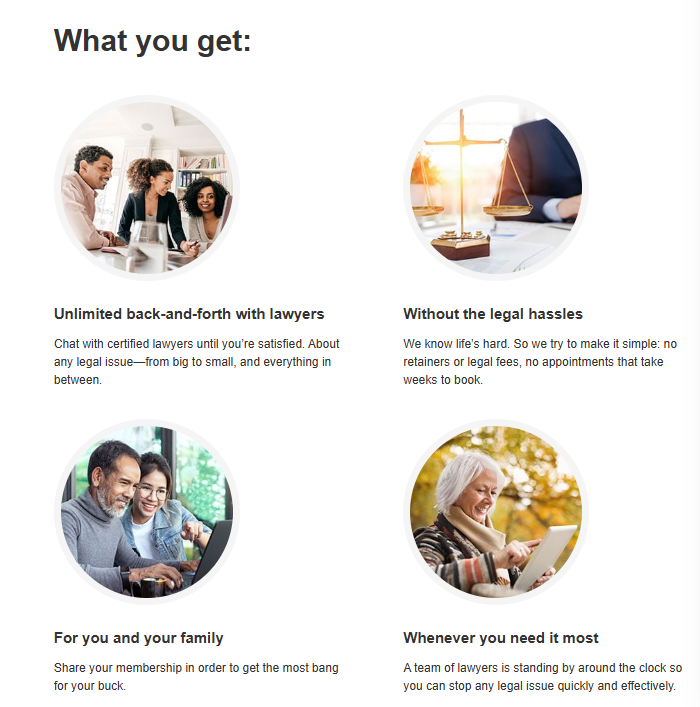
Publish

Copy your Text Link or HTML code you need to copy and paste into your website or other digital property.
We are here to help you start earning commissions!
If you have any questions about finding and selecting a JustAnswer digital asset, we'd be glad to help. Please contact us at: AALOC@Pearl.com
Text Links may be used in multiple ways on your page at the same time, increasing conversion rates. Consider adding several text links by:
Including an CTA button
Linking to images or banner ads
Adding an “Ask A Lawyer” link on your navigation bar
Using within text in content articles
Feel free to reach out for a 1:1 consult to optimize your implementation.
Frequently asked questions
How much do I earn by referring customers to you?
Affiliates earn up to $9 for each customer that becomes a AALOC member.
What is your average order value (AOV)?
AALOC is always optimizing for CR, members pay different prices ranging from about $40-$60.
For each referral, do I earn money for each month a customer retains their AALOC membership?
We believe you have done your job as a AALOC affiliate by referring customers to us to begin the relationship; it’s up to us to keep them as members.
In recognition of that, we pay you up to $9 when a customer begins regardless of whether they cancel immediately.
What if I refer a customer to AALOC but they don’t purchase a membership at that time, but they become a paid member later? Do I earn a commission?
Yes, if the customer converts within 2 days of your referral, we will credit you the commission. Most of our conversions have historically happened within a half hour, please let up know more about your implementation if you would like to discuss a longer referral window.
Is Deeplinking enabled?
Yes! Feel free to use deeplinks. More information is available here.
What affiliate platforms do you use?
We run on Impact.